Terminal
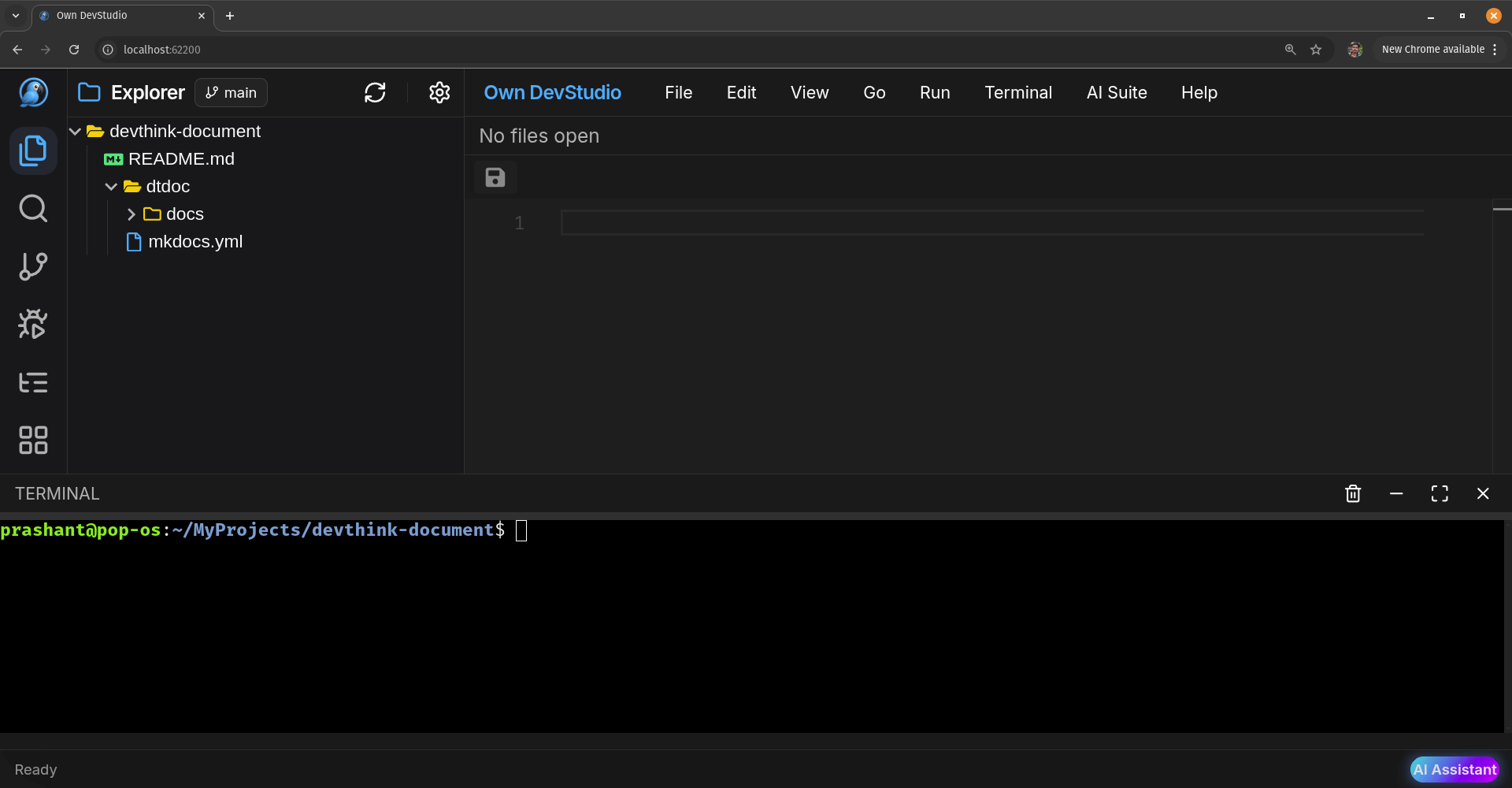
The built-in Terminal gives you a full OS shell inside Own DevStudio.
Run any command you’d normally run in your system terminal — Git, Node, Python, Docker, build tools, package managers, etc.
🧭 Open & Position
- Open from the Menu (Terminal).
- The terminal opens at the workspace root (same folder shown in Explorer).
- You can resize the panel by dragging its top edge.
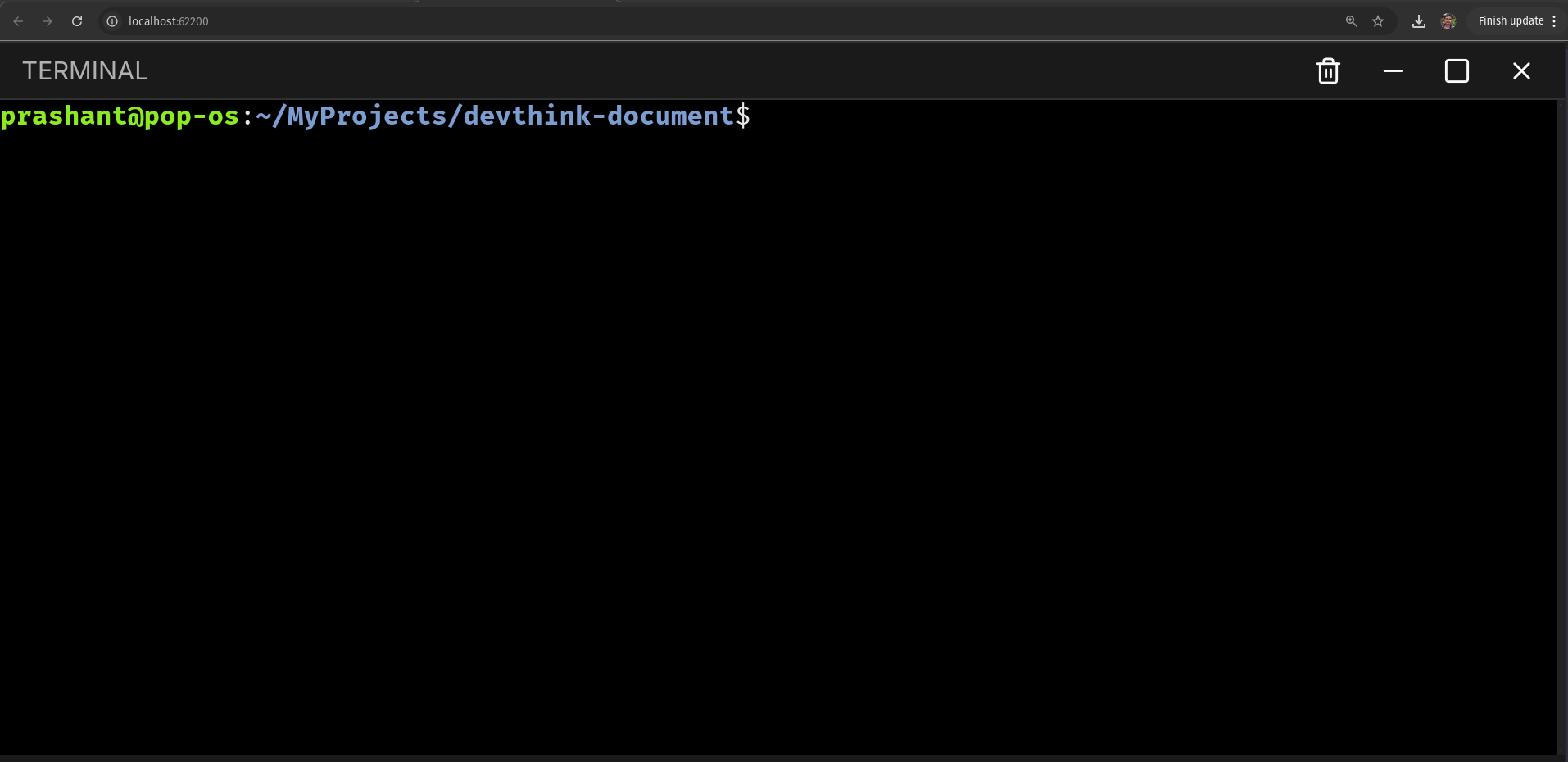
Window controls (top-right of the terminal):
- 🗑️ Clear (same as
Close or Kill terminal session) - ▭ Minimize
- ☐ Maximize / Restore
- ✖ Close
▶️ Run Commands
- Anything your OS supports will work here.
python app.py
pip install flask
Installed
Installed
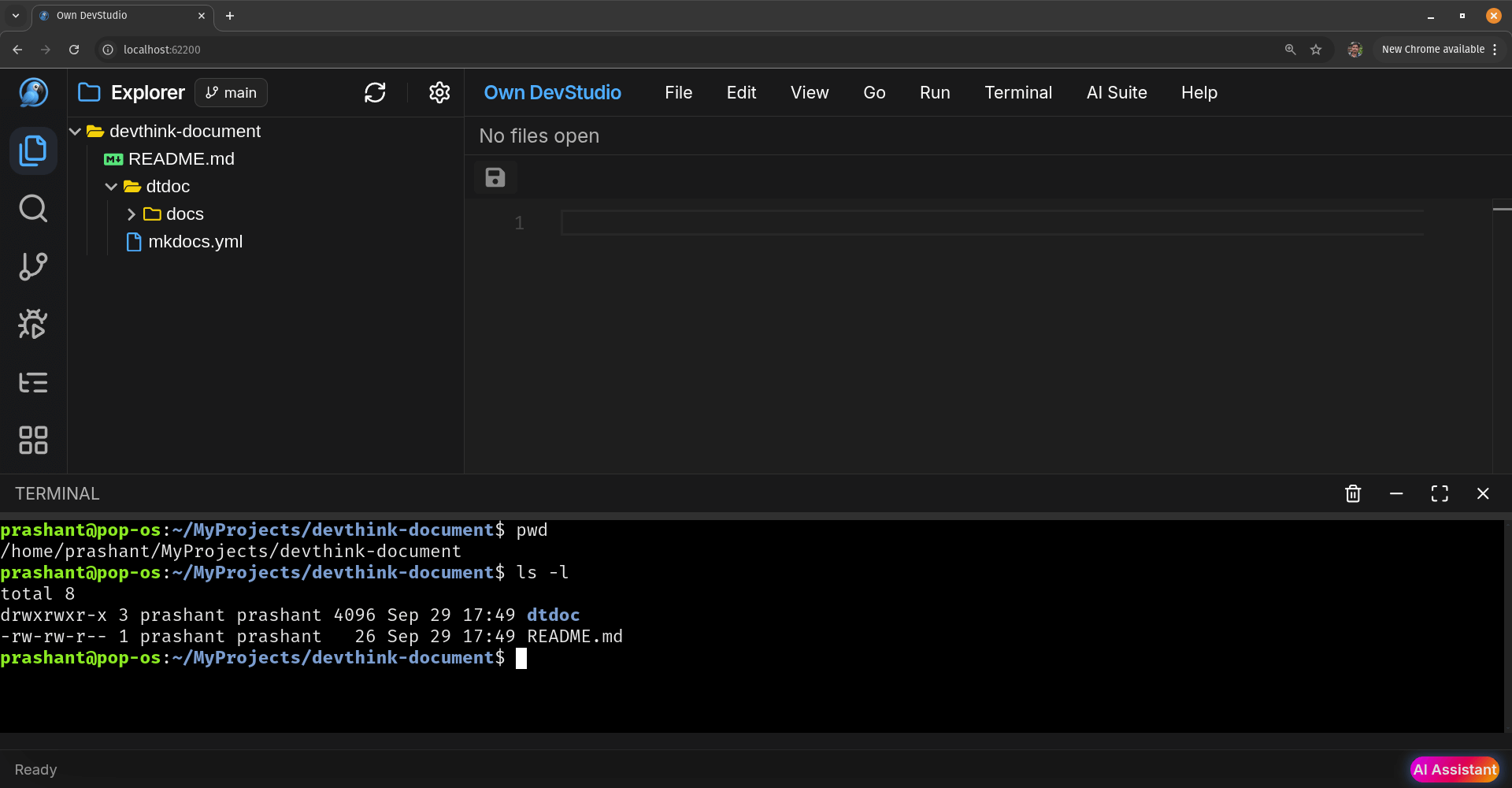
- List files (long form)
# Execute command like thisls -ltotal 12
drwxrwxr-x 9 prashant prashant 4096 Sep 23 13:45 docs
-rw-rw-r-- 1 prashant prashant 2228 Sep 23 19:53 mkdocs.yml
-rw-rw-r-- 1 prashant prashant 542 Sep 23 20:02 requirements.txt
drwxrwxr-x 9 prashant prashant 4096 Sep 23 13:45 docs
-rw-rw-r-- 1 prashant prashant 2228 Sep 23 19:53 mkdocs.yml
-rw-rw-r-- 1 prashant prashant 542 Sep 23 20:02 requirements.txt
Common examples
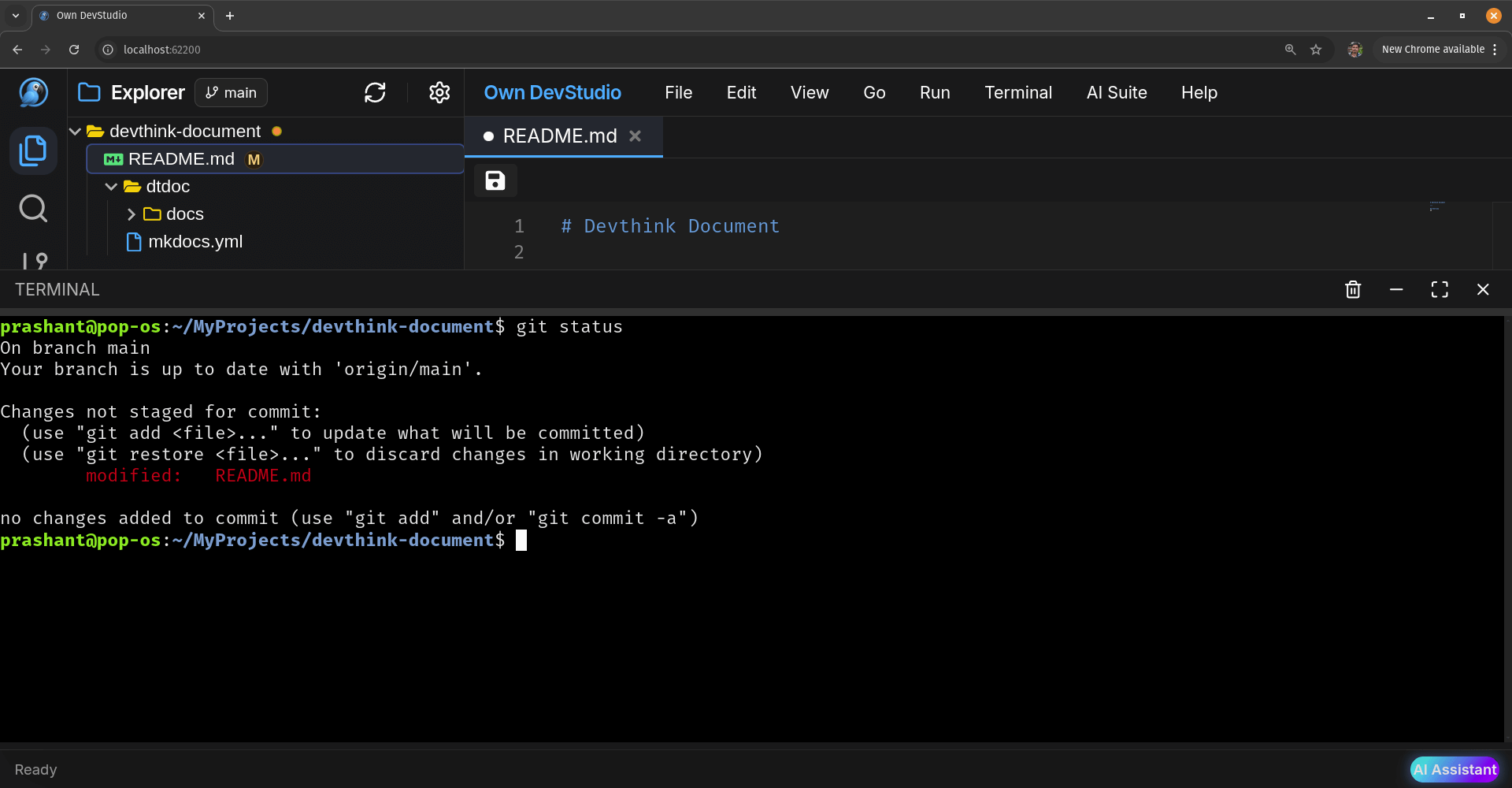
# Git
$ git status
git add .
git commit -m "docs: add terminal guide"
git pull && git push

# Node / package managers
node -v && npm -v
npm install
npm run build

# Python
python --version
python -m venv .venv && source .venv/bin/activate

# Docker
docker ps
docker build -t myapp .
⌨️ Keyboard & Clipboard
- Interrupt a running process: Ctrl + C
- Clear screen:
clearor Ctrl + L - Paste:
- Linux: Ctrl+Shift+V (Tested 100% working)
- macOS: ⌘+C / ⌘+V (Not tested)
- Windows: Ctrl+C / Ctrl+V (most shells)(Not tested)
If Ctrl+C kills the process instead of copying, use the OS variant or select and right click + menu
copy/paste.
🛠️ Troubleshooting
- command not found → Verify it’s installed and on
PATH(restart the terminal after installing). - permission denied → Use
chmod +x <file>for scripts, orsudowhere appropriate. - stuck process → Press Ctrl+C to stop it.
- long output → Pipe or page:
command | less,grep,tee, etc. - wrong folder →
cdto your project root; confirm withpwd.